
Release of Rails 4.1.0.beta1 brings in a few features namely Variants, Spring, mailer previews, JS CSRF, config/secrets.yml, Enums. Godfrey as a good post with description of all features here.
So here I am going to try and explain use of Variants with Mobvious to decide device type and render view accordingly.
1) Let me start with mobvious :-
Mobvious detects whether your app / website is being accessed by a phone, or by a tablet, or by a personal computer.
Basic installation :-
  # Add to Gemfile
  gem 'mobvious'

  # Tell your app to use Mobvious::Manager as Rack middleware.
  # If you use Rails, simply add this into your config/application.rb
  config.middleware.use Mobvious::Manager

  # Add strategies to detect device
  Mobvious.configure do |config|
    config.strategies = [
      Mobvious::Strategies::Cookie.new([:mobile, :tablet, :desktop]),
      Mobvious::Strategies::MobileESP.new(:mobile_tablet_desktop)
    ]
  end
There is a good plugin especially made for rails mobvious-rails.
So after adding mobvious we can use method request.env[‘mobvious.device_type’] to get the current type of device i.e., desktop, tablet or mobile.
2) Now we have to set the variant in application_controller.rb
# app/application_controller.rb
class ApplicationController < ActionController::Base
  # Prevent CSRF attacks by raising an exception.
  # For APIs, you may want to use :null_session instead.
  protect_from_forgery with: :exception

  before_action :detect_device_variant

  private

  def detect_device_variant
    case request.env['mobvious.device_type']
    when :desktop
      request.variant = :desktop
    when :tablet
      request.variant = :tablet
    when :mobile
      request.variant = :phone
    end
  end

end
This will set request.variant value to its respective device.
3) Now the easy part we have tell controller which partial to load according to request.variant value. That can be done in two ways :-
# specify by format.html
class HomeController < ApplicationController
  def index
    @comics = Comic.all
    respond_to do |format|
      format.json
      format.html               # /app/views/posts/show.html.erb
      format.html.phone         # /app/views/posts/show.html+phone.erb
      format.html.tablet        # /app/views/posts/show.html+tablet.erb
    end
  end
end
# specify by variant type inside format.html block
class HomeController < ApplicationController
def index
@comics = Comic.all
we can also define the render method as below
respond_to do |format|
format.html do |variant|
variant.tablet
variant.phone
variant.desktop
variant.none
end
end
end
end4) Just create the views according to the format name. lets say we want to create index view for tablet we can create that view as index.html+tablet.erb which will be automatically detected by rails controller by default.
Thats it. Checkout the demo app I created for the same Variant-demo and source code.
I have attached a few screenshots below :-
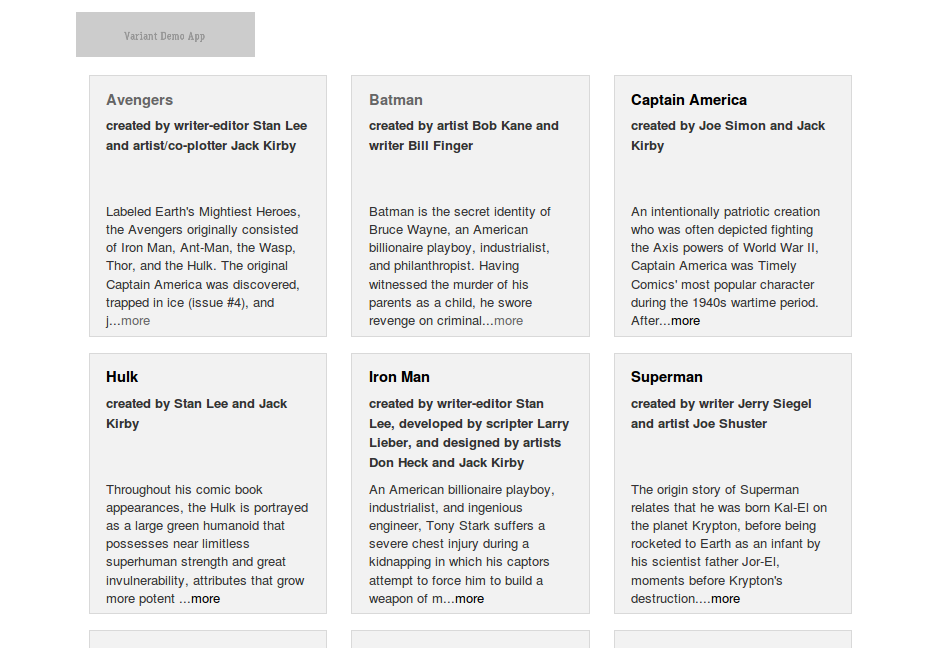
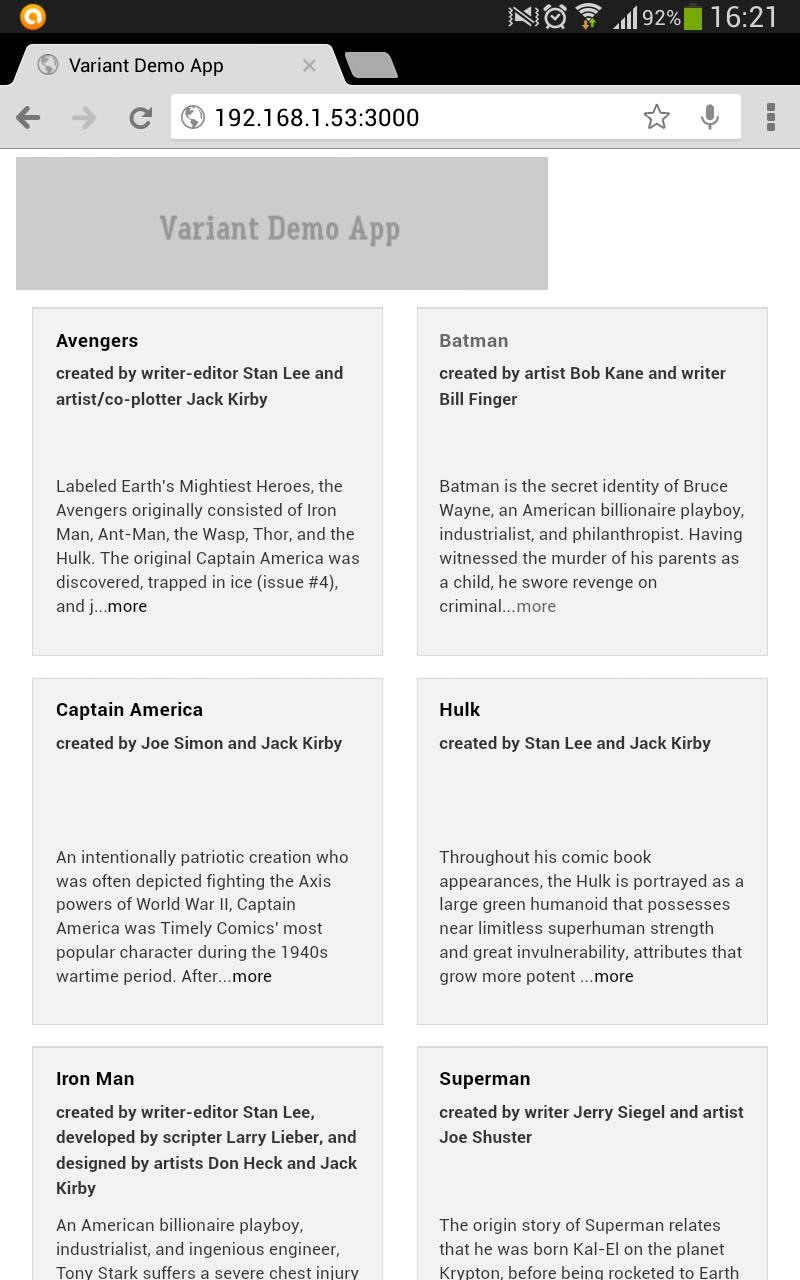
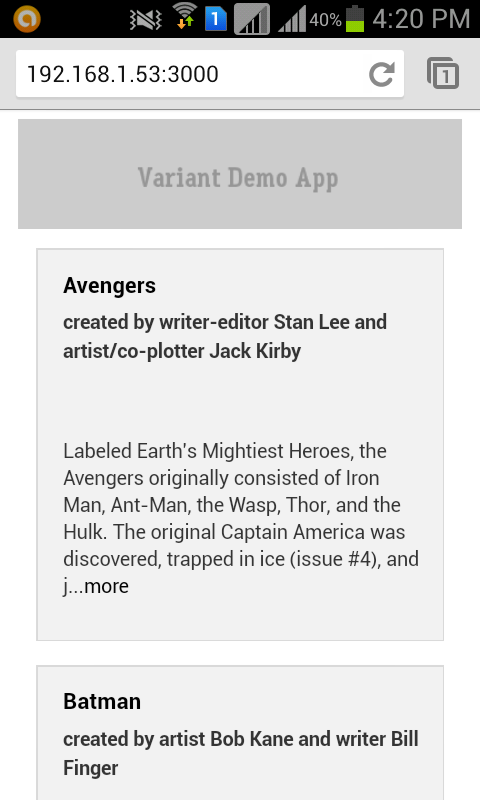
This is my first blog post hope you guys like it. Looking forward to your feedback.